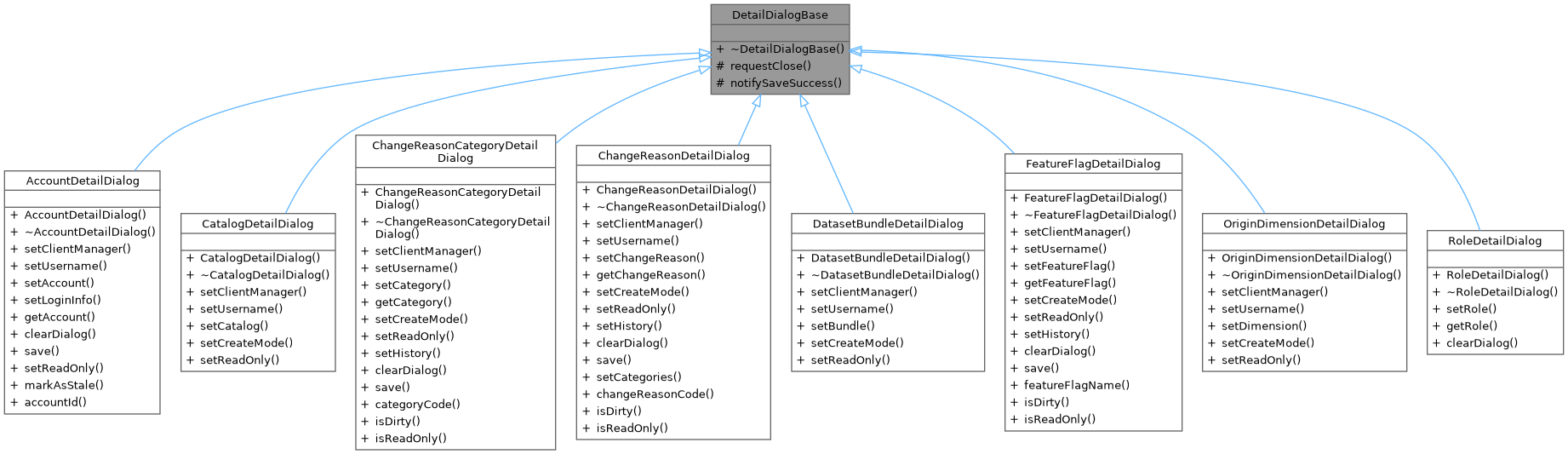
Base class for all detail dialogs. More...
#include <DetailDialogBase.hpp>
Signals | |
| void | closeRequested () |
| Emitted when the dialog wants to close its container window. | |
| void | statusMessage (const QString &message) |
| Emitted to show a status message in the status bar. | |
| void | errorMessage (const QString &message) |
| Emitted when an error occurs that should be shown to the user. | |
Protected Member Functions | |
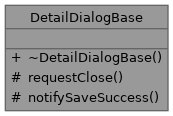
| void | requestClose () |
| Request closure of the container window. | |
| void | notifySaveSuccess (const QString &message) |
| Notify that a save operation completed successfully. | |
Detailed Description
Base class for all detail dialogs.
Provides common functionality for detail dialogs including:
- closeRequested signal for decoupled window closing
- statusMessage signal for status bar updates
- requestClose() method to emit the closeRequested signal
- notifySaveSuccess() helper for consistent post-save behavior
This allows dialogs to request closure without knowing about their container (e.g., DetachableMdiSubWindow). The controller wires the closeRequested signal to the container's close slot.
Save Success Pattern
After a successful save operation, dialogs should:
- Emit their entity-specific "saved" signal (e.g., dimensionSaved)
- Call notifySaveSuccess() with a status message
Example:
Member Function Documentation
◆ closeRequested
|
signal |
Emitted when the dialog wants to close its container window.
Controllers should connect this signal to the container window's close() slot to enable decoupled window management.

◆ statusMessage
|
signal |
Emitted to show a status message in the status bar.
Controllers should connect this signal to the main window's status bar.

◆ requestClose()
|
protected |
Request closure of the container window.
Call this instead of parentWidget()->close() to maintain decoupling between the dialog and its container.

◆ notifySaveSuccess()
|
protected |
Notify that a save operation completed successfully.
This method handles the common post-save behavior:
- Emits statusMessage with the provided message
- Closes the dialog via requestClose()
Call this after emitting any entity-specific "saved" signal.
- Parameters
-
message Status message to display (e.g., "Currency 'USD' saved")