Test Scenario: Retake currency detail dialog screenshots for the manual
Table of Contents
This page documents a test scenario verifying Document currency domain knowledge in the manual in Codegen support for view groups (Qt detail-dialog tabs). It is filled in with the target dialog and checklist of steps before testing starts; the QA Validation Runner panel rewrites * Results in place on save.
1. Scenario Info
| Field | Value |
|---|---|
| Verifies task | Document currency domain knowledge in the manual |
| Parent story | Codegen support for view groups (Qt detail-dialog tabs) |
| Target dialog | CurrencyDetailDialog |
| Clients | |
| State | PENDING |
2. Steps
Open a currency's detail dialog once (e.g. AOA, to match the existing screenshots' captions — or any currency, updating the captions' currency reference in the manual task afterward if a different one is used) and keep it open for all four steps below; just switch tabs between captures. For each step: switch to the named tab, open the step's own detail view in the QA Validation Runner (double-click the step), and click its Screenshot button — this captures the whole screen after a short delay, so bring the currency dialog to the front first. The captured filename is appended to the step's Notes automatically.
2.1. Capture the General tab
Switch the currency detail dialog to the General tab, then capture.
2.1.1. Result
| Field | Value |
|---|---|
| Status | PASS |
| Notes | 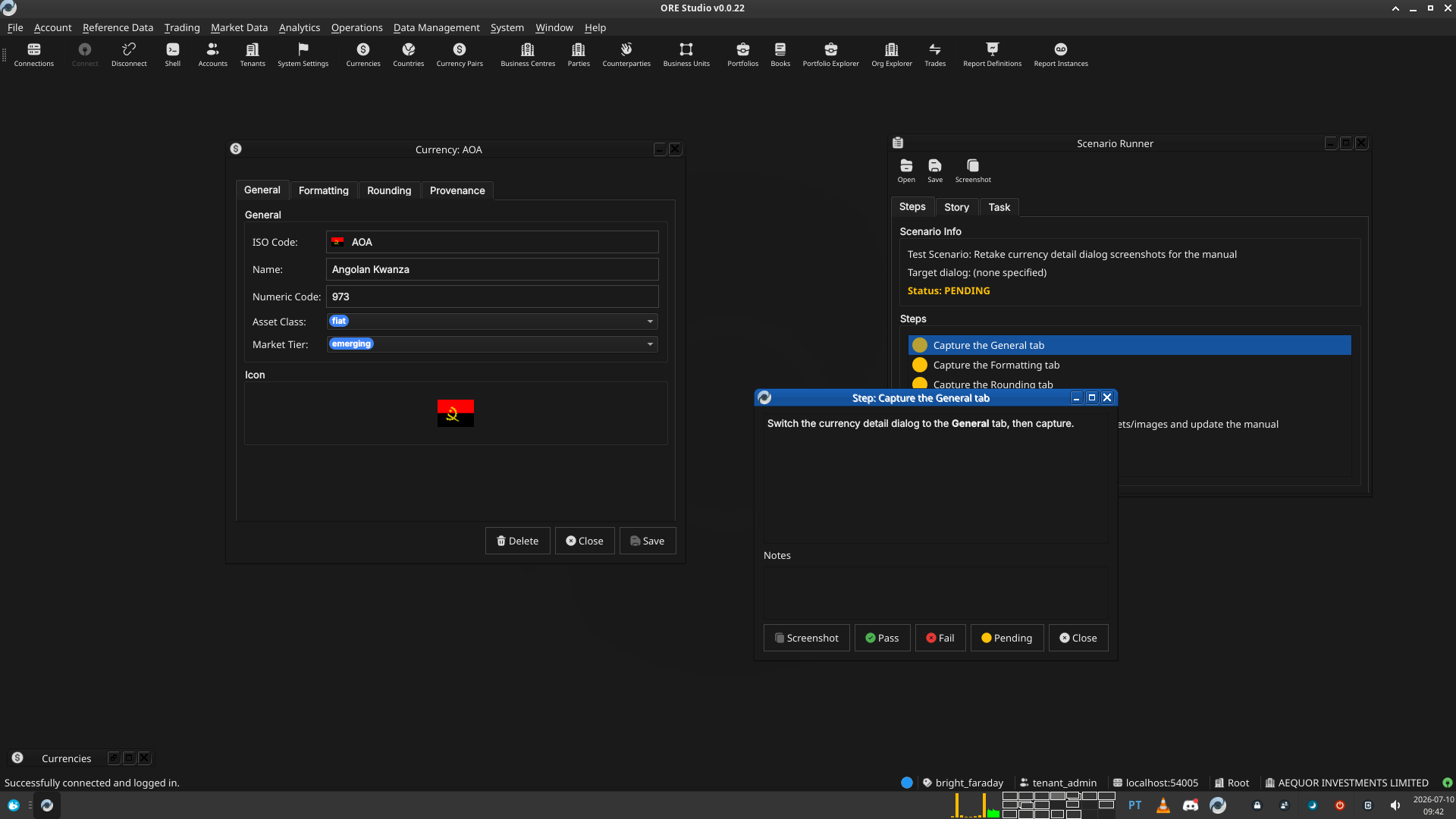 |
2.2. Capture the Formatting tab
Switch the currency detail dialog to the Formatting tab, then capture.
2.2.1. Result
| Field | Value |
|---|---|
| Status | PASS |
| Notes | 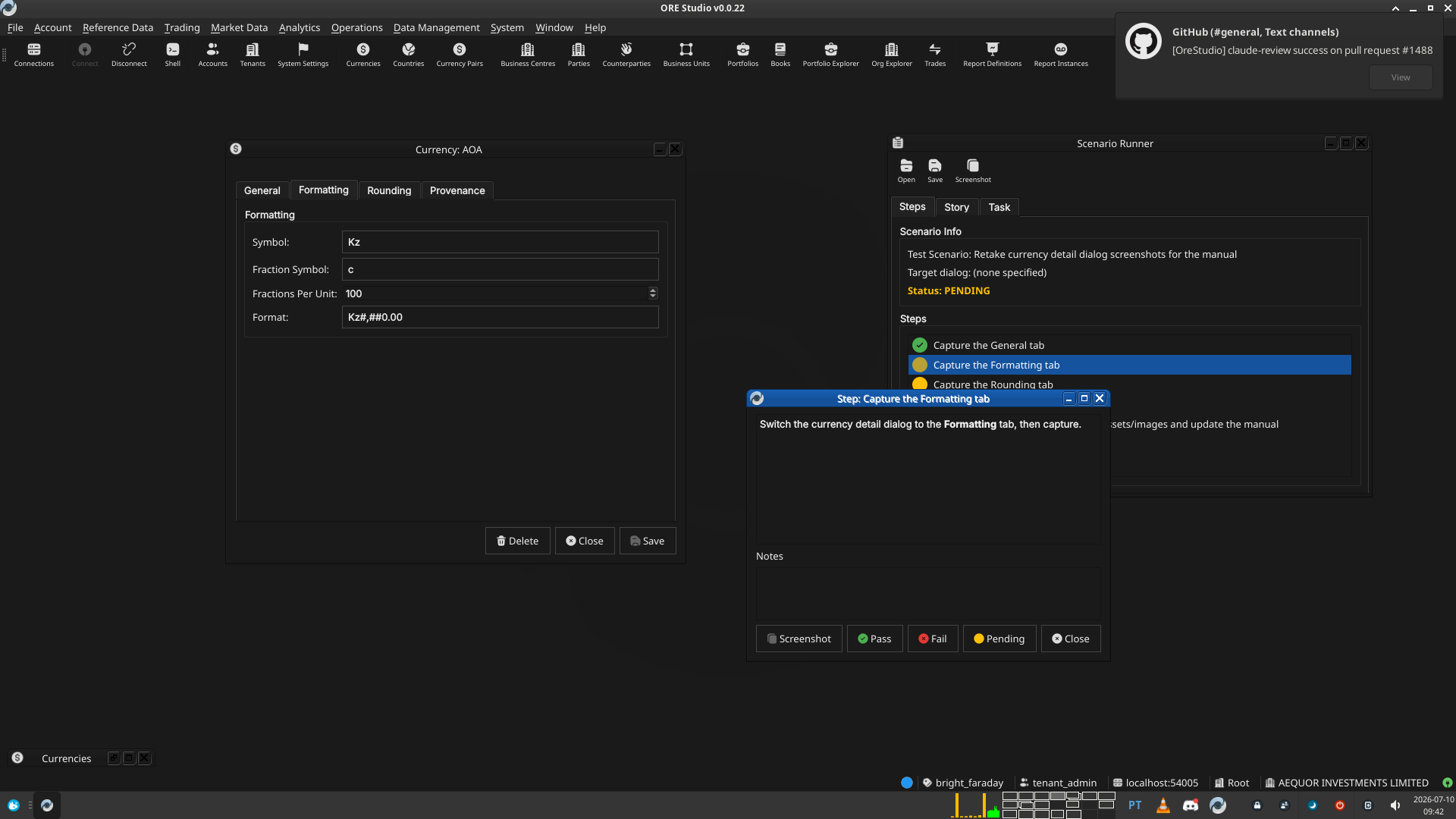 |
2.3. Capture the Rounding tab
Switch the currency detail dialog to the Rounding tab, then capture.
This tab has never actually had its screenshot embedded in the manual
before (see doc/manual/user_guide/chapter_5_currencies.org) —
capturing it now fixes both the stale-tabs issue and that pre-existing
gap in one pass.
2.3.1. Result
| Field | Value |
|---|---|
| Status | PASS |
| Notes | 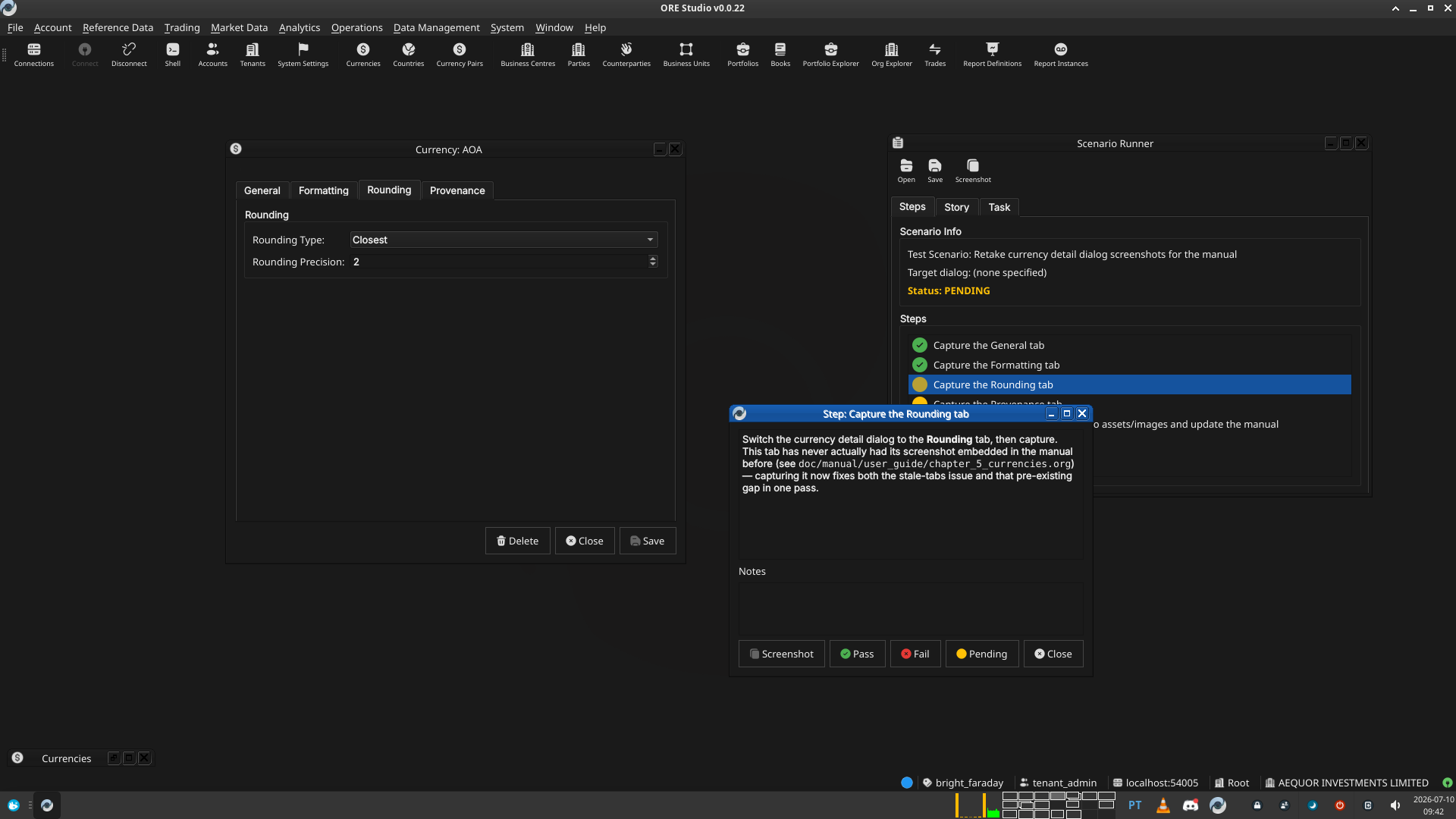 |
2.4. Capture the Provenance tab
Switch the currency detail dialog to the Provenance tab, then
capture. This tab isn't part of view_group and its layout hasn't
changed — capturing it anyway for a consistent, matching set of four,
and because its current screenshot is still the pre-codegen
hand-written dialog's chrome, not the current one's.
2.4.1. Result
| Field | Value |
|---|---|
| Status | PASS |
| Notes | 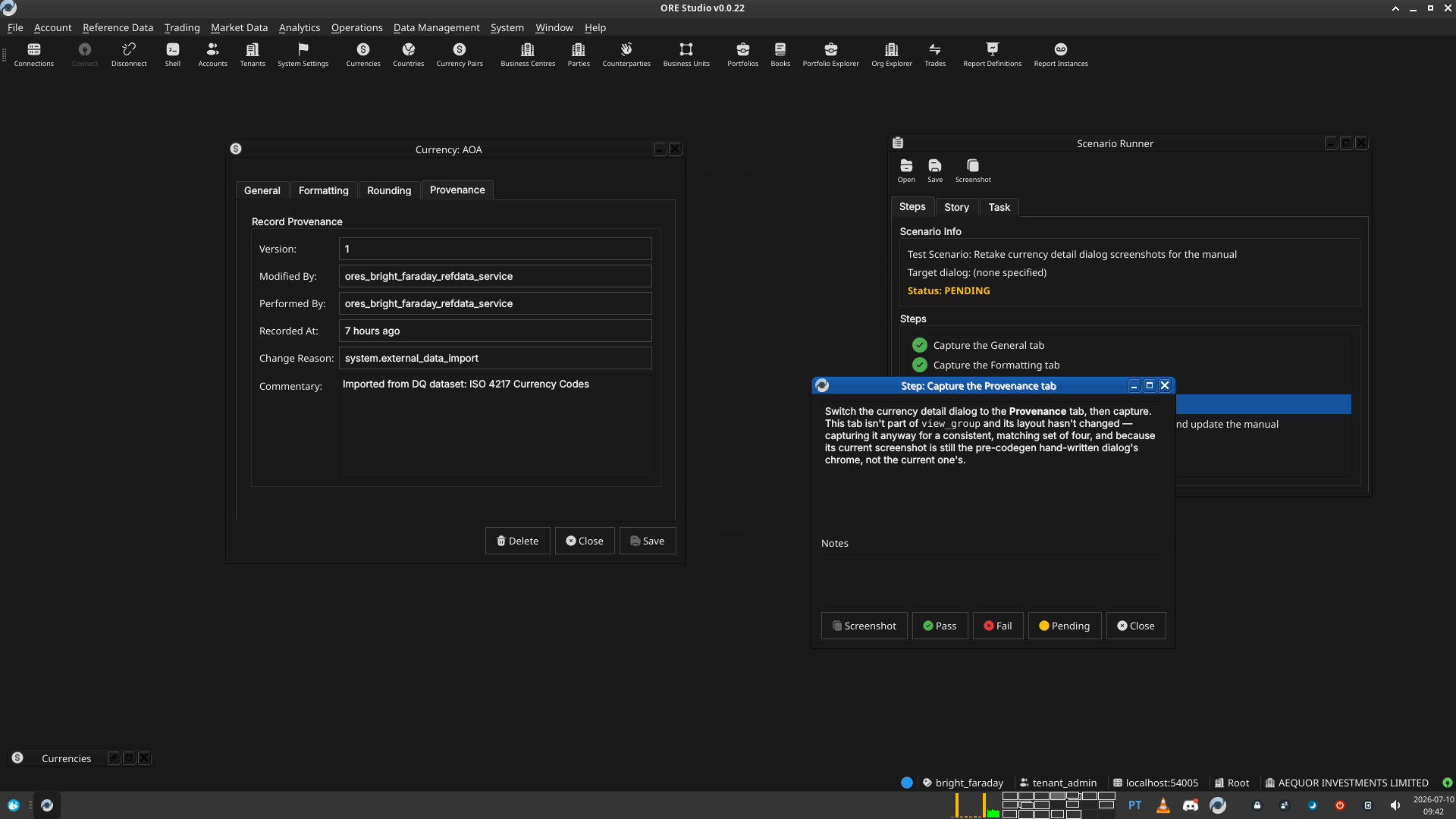 |
2.5. Move the captured screenshots into assets/images and update the manual
Not a live-app step: rename each captured PNG (from wherever the
Screenshot button saved it, next to this scenario doc) to
currency_details_{general,formatting,rounding,provenance}.png,
git mv them into assets/images/, overwriting the stale ones, then
in doc/manual/user_guide/chapter_5_currencies.org change each
#+caption[SCREENSHOT OUTDATED — retake needed] back to a plain
#+caption[Currency Details — <Tab> tab] now that it's current. Also
re-read the surrounding prose against the live dialog while the
screenshots are fresh in mind, and add any domain-knowledge gaps
noticed (e.g. why these particular fields ended up grouped this way,
if that's not already explained).
2.5.1. Result
| Field | Value |
|---|---|
| Status | PASS |
| Notes | Cropped all four captures to just the dialog window (608x565, box (296,181,904,746) at 1920x1080), saved as currency_details_{general,formatting,rounding,provenance}.png into assets/images/, overwriting the stale ones. Flipped all four captions in chapter_5_currencies.org back to normal. Re-verified prose field-by-field against the live dialog — accurate, no changes needed. Rebuilt the manual PDF (compass build –direct deploy_manual) — succeeded, TOC shows all four tab sections (8.2-8.5). |
3. Results
| Field | Value |
|---|---|
| Status | PASSED |
| Completed at | 2026-07-10T09:50:00Z |
| Branch | feature/codegen-view-groups |
| Commit | 7024fcd86 |
| Worktree | bright_faraday |